
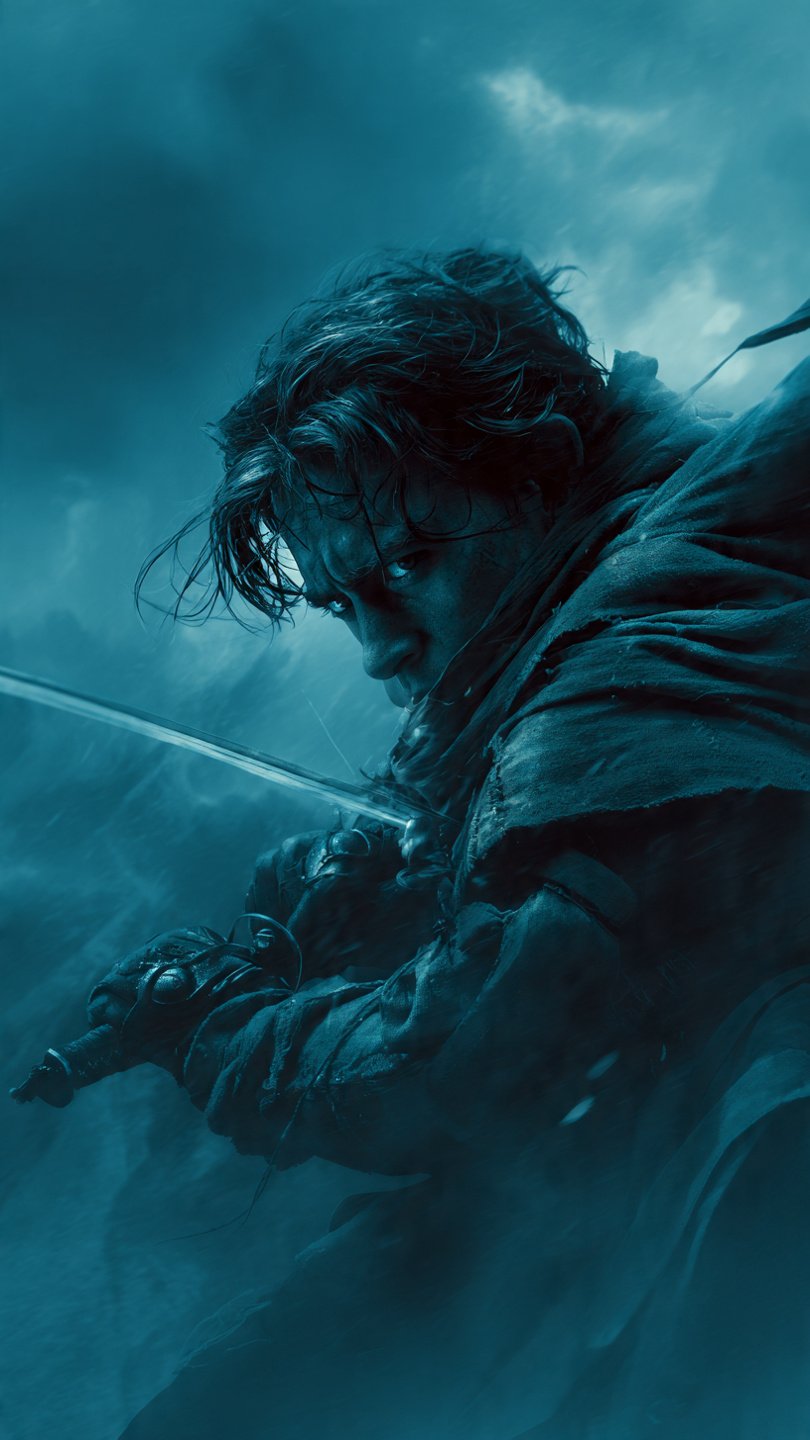
Popular Leonardo AI Prompts and Techniques Leonardo AI is an AI image and video generation platform where users primarily interact through text prompts to create visuals like artwork, photos, or animations. There are no traditional “commands” like in programming or chatbots; instead, “commands” refer to structured prompts, negative prompts (to exclude elements), and platform features like style references or motion controls. Based on community shares, official guides, and user experiments, here are the most popular approaches people use:
Basic Prompt StructureStart with a simple description, then add details like style, lighting, and composition for better results. Words at the beginning carry more weight.
Popular Leonardo AI Prompts & Techniques”
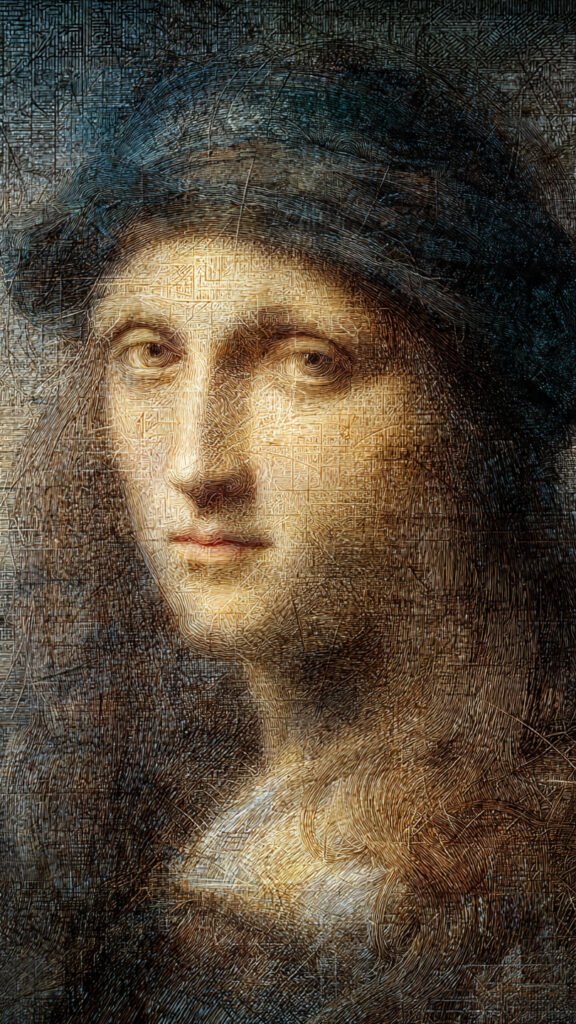
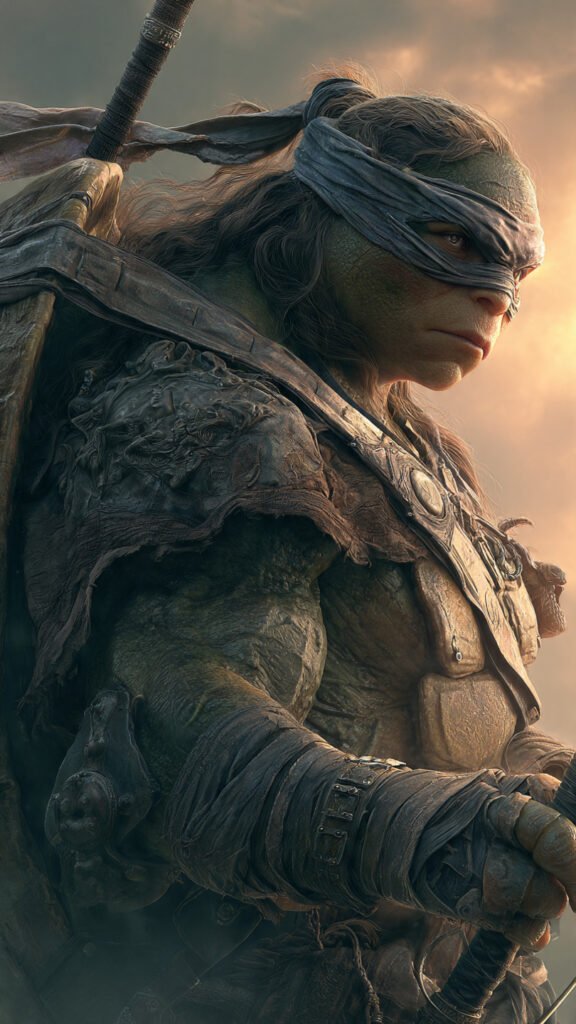
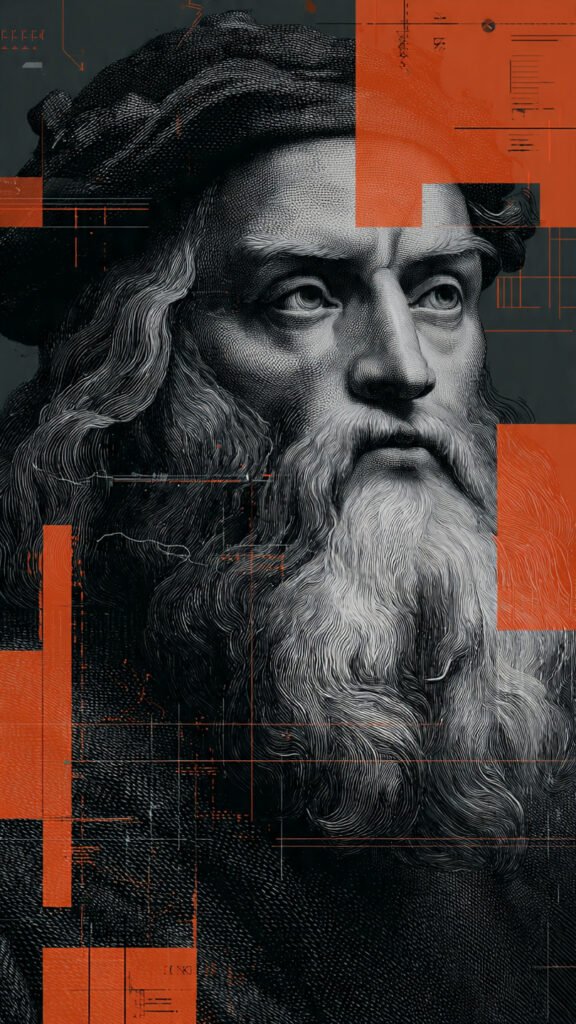
1. Basic Prompt Structure
- Start simple, then add style, lighting, and composition.
- Words at the beginning hold more weight.
- Use comma-separated elements for clarity.
2. Style & Artist References
- Reference artists, movies, or studios (e.g., Studio Ghibli, Van Gogh).
- Use “Style Reference” by uploading an image and setting strength.
- Blend classic + modern themes for unique aesthetics.
3. Photorealistic & Cinematic Prompts
- Focus on subject → camera angle → lighting for realism.
- Add film terms like “35mm,” “soft ambient lighting,” “rule of thirds.”
- Use camera shots (low angle, aerial view) for dynamic scenes.
4. Anime & Fantasy Prompts
- Combine models like Phoenix with RPG-style formats.
- Use isometric / 3D prompts for game-like environments.
- Add magical, ethereal descriptors for anime-style characters.
5. Video & Motion Prompts
- Mention camera movement + mood (e.g., tracking shot, neon lighting).
- Use jump-cut style prompts for cinematic edits.
- Apply “Elements” presets (Cinematic, Surreal, etc.) for quick variations.
6. Negative Prompts
- Exclude issues: “blurry, deformed, extra limbs, watermark, text.”
- Use bundled negatives like “easynegative” for cleaner results.
- Helps refine anatomy, lighting, and overall quality.
Prompt Example
Photorealistic portrait of a weathered 58-year-old sea captain with a thick salt-and-pepper beard, deep-set stormy blue eyes, and a perpetual scowl, seated in a dimly lit wooden cabin, slightly off-center composition following the rule of thirds, wearing an old navy peacoat with frayed edges and a faded captain’s hat tilted back, soft warm light filtering through a small porthole behind him casting gentle rim lighting, subtle smoke from his pipe curling in the air, natural muted earthy tones, cinematic color grading, ultra-detailed skin texture with visible pores and wrinkles, shallow depth of field, shot on 85mm lens, f/1.8, Kodak Portra 400 film emulation, extremely detailed, 8k, masterpiece, best qualityRecommended settings (for maximum impact):Model: Lucid Origin or Absolute Reality v2
Sampling steps: 40–60
CFG scale: 7–9
Negative prompt: blurry, deformed, ugly, extra limbs, watermark, text, overexposed, plastic skin, doll-like, cartoon, low detail, bad anatomy, extra fingers
Add “--ar 3:4” or “--ar 2:3” at the end if you want a classic portrait ratio
Here’s a complete, ready-to-use Leonardo AI prompt + exact workflow that people are currently using to get stunning, professional-grade results with the Style Reference feature (sref) in 2025
A [subject] standing in a simple neutral environment, full body or portrait, sharp focus, highly detailed, photorealistic, 8k(That’s literally all you need in the text box – the magic comes from the uploaded style reference.)Best subjects to replace [subject] with (these work amazingly):young woman with long hair
rugged man in leather jacket
elegant elderly gentleman in suit
cyberpunk girl with neon makeup
Victorian lady in period dress
muscular tattooed warrior
ethereal elf in forest
Leonardo AI – Style Reference Workflow (Short Points)
1. How to Use Style Reference
- Upload a high-quality style reference image (sref).
- Leonardo blends your subject with the style you upload.
2. Popular Style Reference Uploads
- Cinematic stills → Dune, Blade Runner 2049, The Revenant
- Digital artists → Greg Rutkowski, Alphonse Mucha, Ross Tran
- Fashion → Vogue covers, editorial shoots
- Surrealism → Beksiński
- Aesthetic looks → Wes Anderson symmetry, Annie Leibovitz portraits
3. Style Strength Settings
- Low (20–35%) → keeps identity; adds light/color/texture
- Medium (40–65%) → balanced (most used)
- High (70–90%) → full style takeover (anime, oil painting, etc.)
4. Recommended Technical Settings
- Model: Phoenix v7 or Lucid Origin
- Steps: 50–70
- CFG: 6–8
- Sampler: Euler a / DPM++ 2M Karras
- Negative prompt: blurry, deformed, ugly, extra limbs, watermark, text, low quality, doll-like
5. Viral Example Setup
- Prompt: “A young woman with freckles, portrait, looking at viewer, photorealistic”
- Style Ref: Peter Lindbergh portrait (moody B&W, soft grain)
- Strength: Medium (55%)
- Result: High-end fashion editorial look
6. Key Insight
- Upload any style image → apply one simple prompt → Leonardo recreates that exact aesthetic.
Here is a Pro-Level Extended Prompt:

**“Design a premium 3D logo concept.
Ask the user:
• What’s the brand name?
• Is the brand bold, luxury, fun, minimalist, or futuristic?
• What colors should dominate the palette?
• Do you prefer glossy metal, glass, neon, holographic, matte, or plastic texture?
• Should the background be plain studio, gradient, abstract shapes, or environmental scenery?
• Should the logo include symbols (e.g., circle, cube, lightning bolt, initials)?

After answers, generate:
A central 3D logo with precise lighting, soft shadows, realistic reflections, and professional depth.
Include environmental accents matching the style (glow particles, geometric shapes, reflections).
Ultra-sharp edges, high-quality highlights, and smooth gradients.
Render in 4K clarity with strong visual impact.
7. Themed & Niche Prompts
- Makeup/beauty prompts for virtual try-ons.
- Sculpture effects for marble/metal statue outputs.
- Steampunk and mechanical prompts for intricate fantasy scenes.
Quick User Tips
- Use “Improve Prompt” for better structure and variations.
- Pick the right model: Lucid Origin (realism), Phoenix (anime), Nano Banana Pro (pixel art).
- Browse Community Feed to learn from top-performing prompts.