
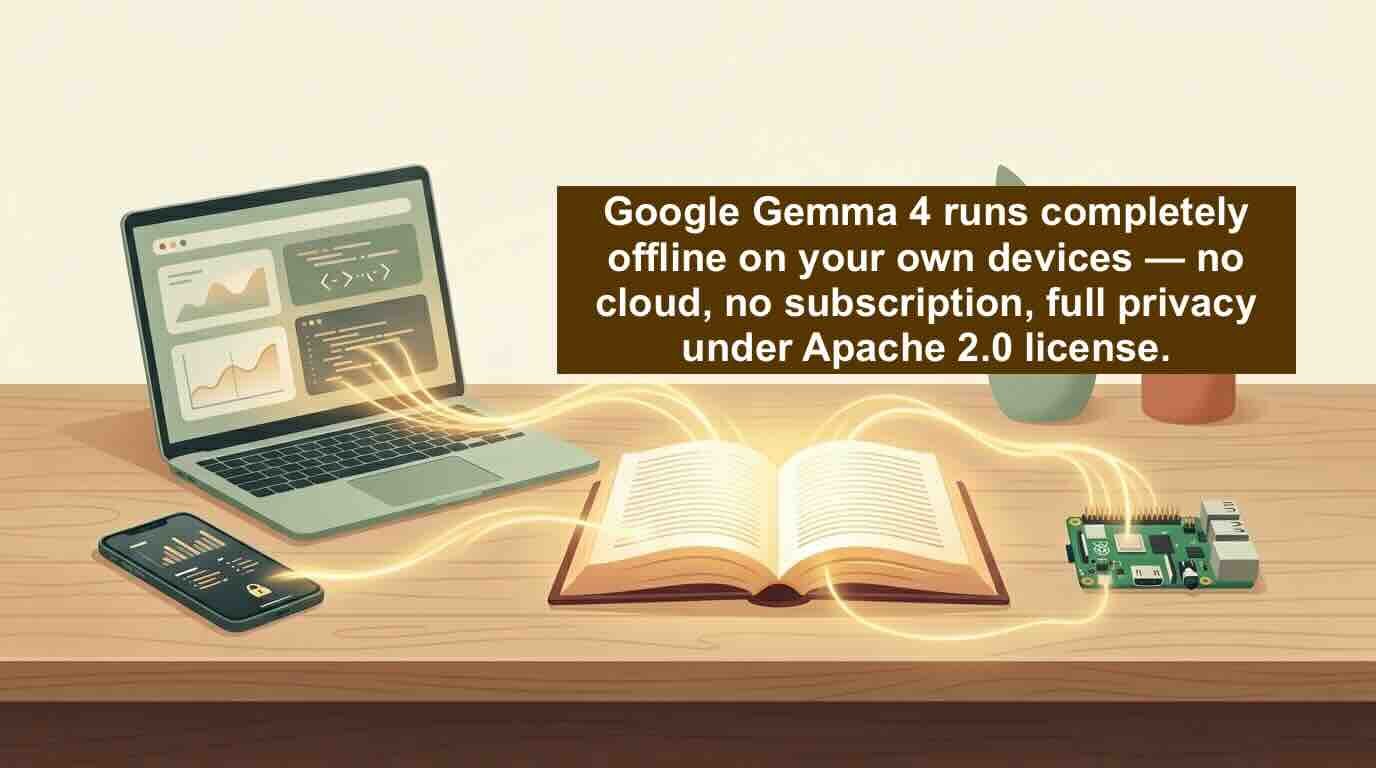
For the first time, a frontier-level AI model is truly open source. No strings. No monthly fee. And it runs on your laptop.
Let’s be honest: most “open” AI models aren’t really open. You can download them, sure, but there’s always fine print — usage restrictions, commercial limits, or vague “research only” clauses.
Not anymore. Yesterday, Google dropped Gemma 4, and it’s a genuine shift. It’s released under the Apache 2.0 license — the same one used by Kubernetes, Android (the OS), and other foundational open-source projects. That means you can:
- Run it completely offline on your own computer
- Modify it however you want
- Build a commercial product with it
- Redistribute it without paying royalties
The only catch? Give credit and include the license. Oh, and it’s free.
Good question. You’ve probably used or heard of Gemini — Google’s subscription chatbot inside Gmail, Docs, and Search. That’s a cloud product. Your data goes to Google.
Gemma 4 is the opposite. It’s built from the exact same research and technology as Gemini 3, but it’s designed to run on your hardware. Your laptop. Your phone. Your Raspberry Pi. No internet required. No data leaving your house.
“Gemini’s brain, but you own the body.”
1. Privacy, for real
Every chat, file upload, or question you ask stays on your device. Not even Google sees it. If you’ve ever felt weird about feeding personal docs into ChatGPT or Gemini, this solves that.
2. No monthly bill
Run it as much as you want. $0. Forever.
3. It actually works offline
On a plane? Camping? In a basement with no signal? Gemma 4 keeps working. The smaller models (2B and 4B) are designed specifically for phones and edge devices — near-zero latency, low battery drain.
A lot. Here’s the shortlist:
- Advanced reasoning – multi-step planning, math, logic. The 31B model is already ranked #3 among all open models worldwide, beating some models 20 times its size.
- Code generation – turns your laptop into a private, local AI coding assistant.
- Vision + audio – understands images, charts, OCR, and speech (the edge models do native audio input).
- Agentic workflows – function calling, structured JSON output, system instructions. You can build autonomous agents that use tools and APIs.
- 140+ languages – natively trained, so it works for global audiences.
- Long context – up to 256,000 tokens (the larger models). That’s an entire novel or a code repository in one prompt.
If you have an NVIDIA RTX GPU, you’re in luck. NVIDIA optimized Gemma 4 for Tensor Cores, and it works with Ollama, llama.cpp, and Unsloth out of the box.
Here’s the practical path, ranked by easiest to most hands‑on:
Go to Google AI Studio – instant access to the 31B and 26B models. Type, upload images, test reasoning. No signup friction.
Install Ollama, then:
ollama run gemma4:31bThat’s it. Works on Mac, Linux, Windows.
From Hugging Face, Kaggle, or Ollama’s library. You’ll find pre-trained and instruction-tuned variants.
Use Unsloth Studio or Google Colab – even on a gaming GPU. Yale already used a previous Gemma to discover new pathways for cancer therapy. You can adapt it to your domain.
Start prototyping with the AICore Developer Preview or ML Kit GenAI Prompt API. Gemma 4 runs completely offline on Pixel devices and other modern phones.
NVIDIA and Google worked together so that OpenClaw — an always‑on local AI assistant — runs perfectly with Gemma 4 on RTX PCs. It can read your personal files, apps, and workflows to automate real tasks. All local. All private. That’s the kind of “agentic AI” people have been promising for years, now actually running on a laptop.
| Gemini (Google product) | Gemma 4 (open model) | |
|---|---|---|
| Cost | Subscription | Free |
| Where it runs | Google’s cloud | Your own device (offline possible) |
| Privacy | Your data goes to Google | 100% private — no chats/files leave your hardware |
| Can you modify it? | No | Yes — full control |
| Can you sell it? | No | Yes (Apache 2.0) |
Gemma 4 isn’t just another model release. It’s the first time a truly capable, open-source, Apache 2.0‑licensed AI can run on everyday hardware — from a phone to a gaming PC to a data center.
You can test it in a browser today.
You can run it offline tomorrow.
You can build a business on it next week.
And you never have to send your data to anyone.
✨ Ready to try?
🔹 Browser: Google AI Studio
🔹 Local: ollama run gemma4:31b
🔹 Weights: Hugging Face · Kaggle
Have a specific use case? Pick the right size model — E2B, E4B, 26B MoE, or 31B.