

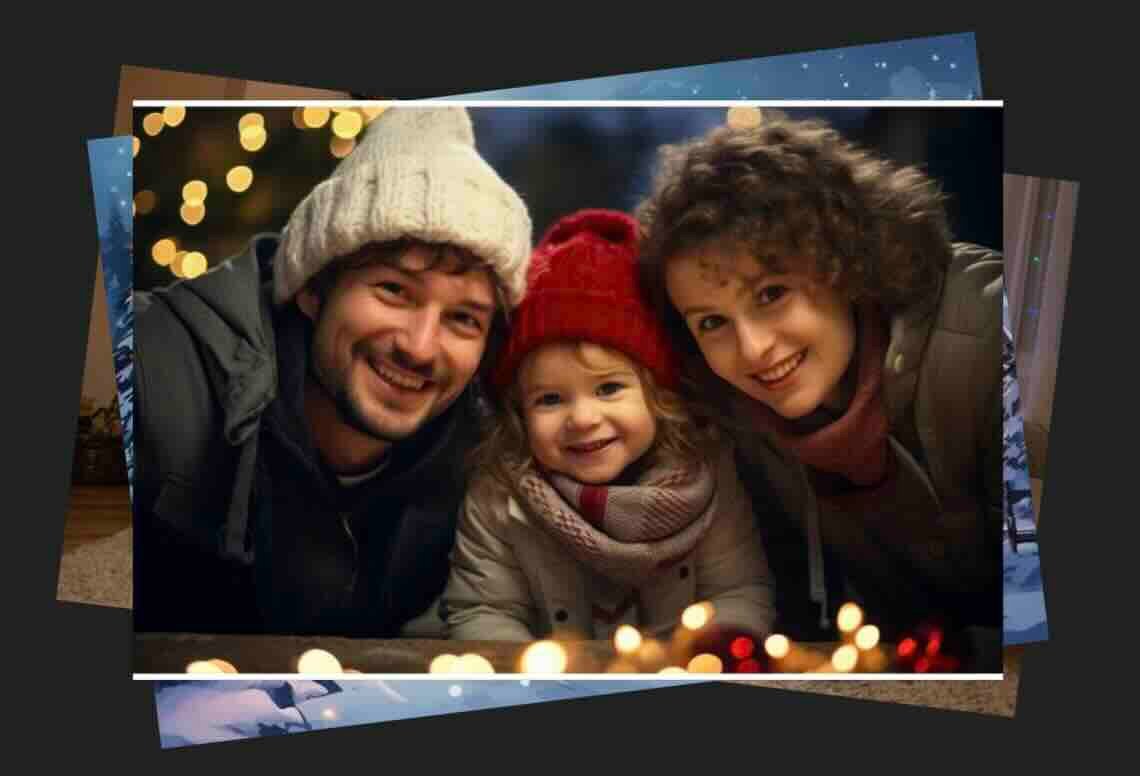
People searching for “AI Christmas photo” ideas are usually looking to quickly turn everyday selfies or family pictures into festive masterpieces — think cozy fireplaces, snowy scenes, Santa hats, or matching holiday sweaters — without expensive photoshoots or complicated editing. The good news? There are tons of free online tools that do exactly this in seconds, often with no sign-up required.
Top Free AI Christmas Photo Generators (2025 Recommendations)
Here are some of the best, easy-to-use options that preserve your real faces while adding holiday magic:
- VisualGPT.io – Completely free, no sign-up. Upload a photo (selfie, family, or pet), pick a style like snowy background or Christmas outfits, and generate HD results instantly.
- Nero AI Christmas Photo Generator – Free tool that adds snow, lights, reindeer antlers, or cozy themes to your uploaded photo.
- Clipfly AI – Free Christmas photo maker; upload an image or use text prompts for portraits, cards, or festive effects.
- CreateImg – Instant festive filters with snow, lights, and outfits; works great for groups.
- MyEdit (by CyberLink) – Free AI tools with holiday templates for family portraits, backgrounds, and more.
- insMind – Free filters for Christmas hats, sweaters, outfits, and backgrounds.
These tools handle everything from single selfies to full family groups, keeping faces natural and realistic.
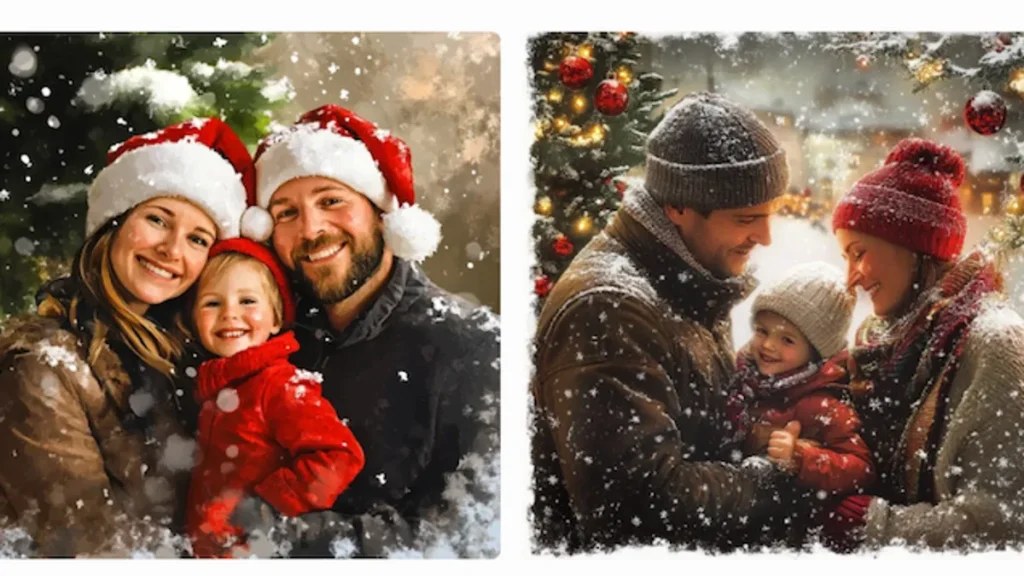
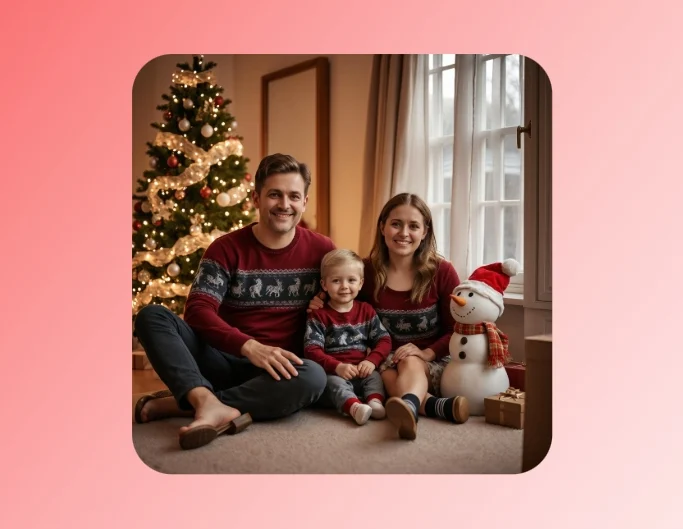
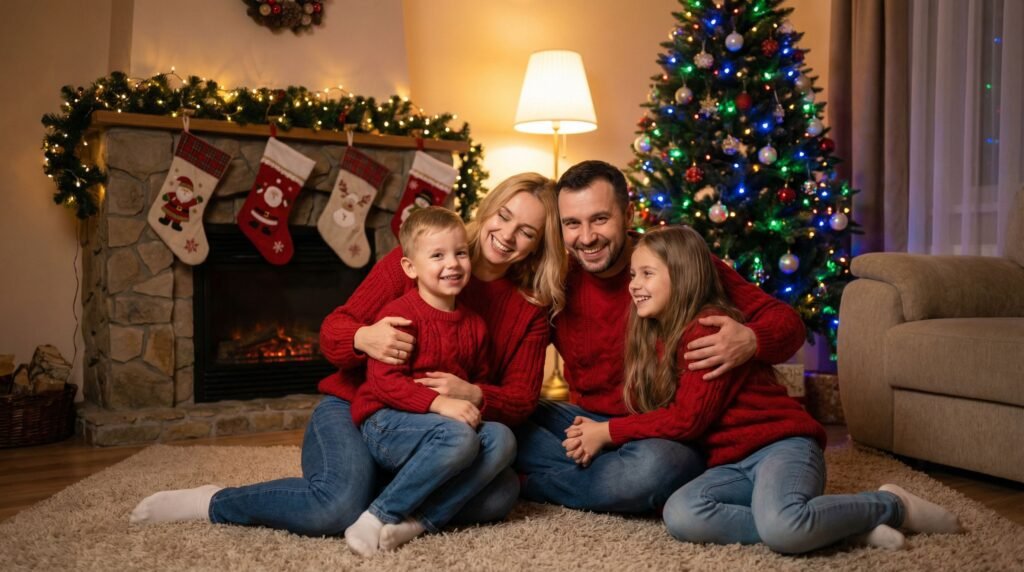
Examples of AI-Generated Christmas Family Photos
Here are some stunning examples of what these tools can create — cozy, joyful holiday portraits that look professionally shot.
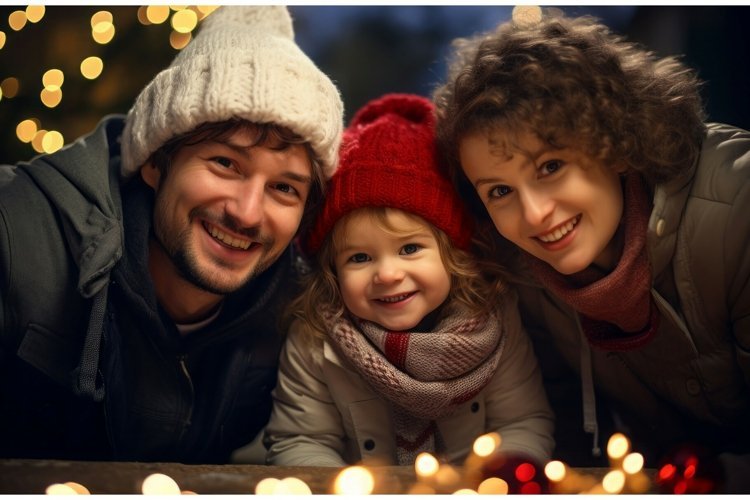
Beautiful Snowy Winter Backgrounds for Your Photos
Many tools let you swap backgrounds to magical winter wonderlands. Here are inspiring examples:
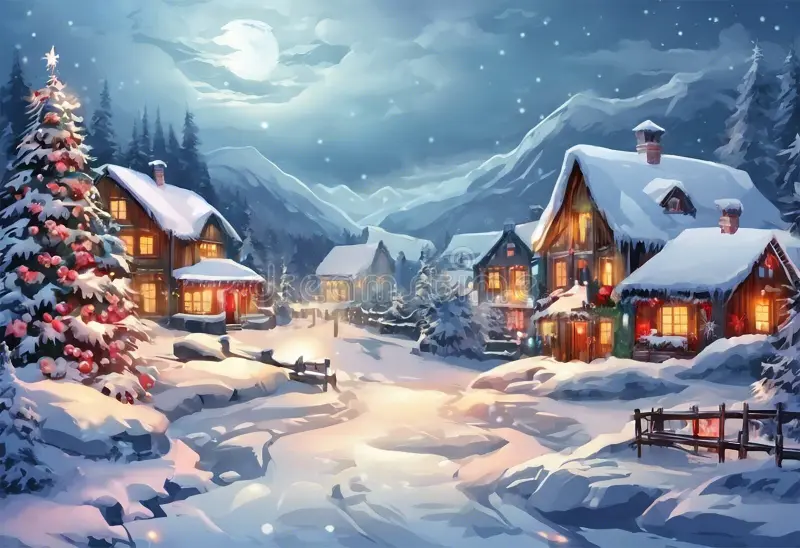
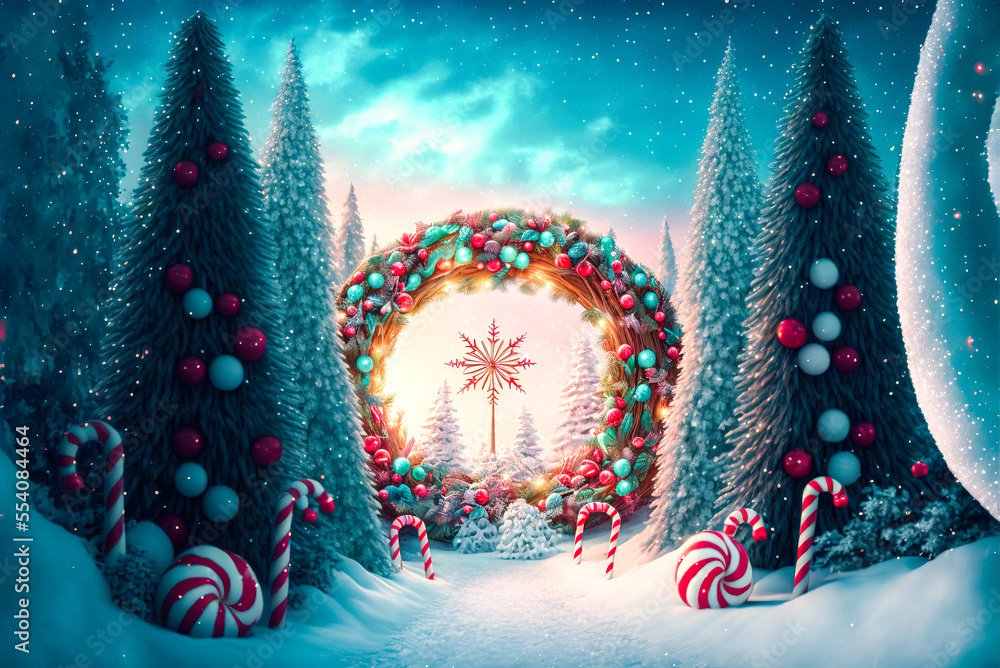
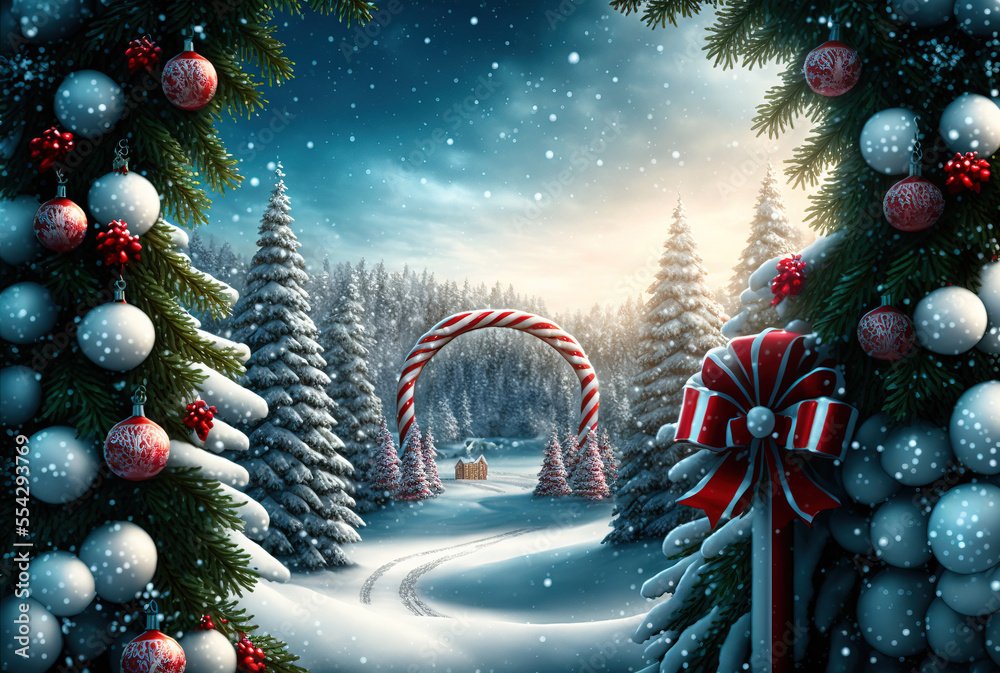
Turn your AI photo into a full card — add text like “Merry Christmas 2025!” and share digitally or print.
Quick Prompt Tips for Even Better Results
Festive Christmas Card Designs
If a tool lets you type custom prompts (or if you’re using a general AI image generator):
- “A happy family of four in matching red sweaters, sitting by a glowing Christmas tree with soft falling snow, warm lighting, realistic portrait style”
- “Cozy indoor Christmas scene with fireplace, decorated tree, gifts, and gentle snow outside the window, photorealistic”
- “Family portrait in a snowy winter forest, wearing Santa hats and scarves, joyful expressions, golden hour lighting”
Add “keep original faces realistic” if uploading photos.
This holiday, skip the stress and create personalized, heartwarming Christmas photos in minutes. They’re perfect for cards, social media, or framed gifts. Merry Christmas — may your feeds be filled with festive joy! 🎄✨
Step-by-Step Tutorial for VisualGPT.io: Create Festive Christmas Photos Easily
VisualGPT.io is a free, no-sign-up-required online AI platform that makes generating and editing images super simple—perfect for turning your selfies or family photos into magical Christmas portraits. It has a dedicated AI Christmas Photo Generator tool that’s incredibly user-friendly, especially during the holidays.
Quick Access
- Go directly to the Christmas tool: https://visualgpt.io/ai-christmas-photo-generator
- Or start from the homepage: https://visualgpt.io/ and click on “AI Christmas Photo Generator” in the features list.
Step 1: Upload Your Photo
- Click the upload button (usually a big “+” or “Upload Image” area).
- Select a clear selfie, family photo, group shot, or even a pet photo from your device.
- The AI works best with front-facing portraits where faces are visible and well-lit—it preserves your real faces, skin tones, hairstyles, and expressions naturally.
Step 2: Choose a Festive Style
- Browse the ready-made Christmas presets (no typing needed!):
- Cozy indoor scenes (fireplace, glowing tree, gifts)
- Snowy outdoor wonderlands
- Santa hats, reindeer antlers, or holiday outfits
- Matching sweaters, scarves, or playful costumes
- Warm lighting with falling snow or fairy lights
- Click on any thumbnail to preview how it applies to your photo.
- For family or group photos, the tool handles multiple people while keeping everyone looking realistic.
Step 3: Generate Your Christmas Photo
- Hit “Generate” or “Create My Christmas Photo.”
- The AI processes instantly (seconds!) using advanced models like Nano Banana for precise, high-definition results.
- It automatically adds festive elements while keeping your original faces intact—no weird distortions.
Step 4: Refine (Optional)
- If you want tweaks, switch to the general AI Image Editor (linked on the site):
- Type a custom prompt like: “Add soft falling snow and a decorated Christmas tree in the background” or “Put everyone in red holiday sweaters.”
- Or try conversational edits: Generate once, then say “Make the lighting warmer” for follow-ups.
- Re-generate as many times as you like for free.
Step 5: Download and Share
- Once happy, download the HD image (JPG or PNG).
- Perfect for Christmas cards, social media posts, WhatsApp greetings, or printing framed gifts.
- No watermarks on free generations!
Tips for Best Results
- Use high-quality, well-lit original photos for sharper outputs.
- For groups: Ensure everyone is clearly visible.
- Free daily credits let you experiment a lot—log in (optional) for more if needed.
- The tool is mobile-friendly, so you can do this on your phone.
VisualGPT.io stands out because it’s truly zero-learning-curve: no accounts, no downloads, and holiday-specific presets make it faster than general AI generators. In minutes, you’ll have heartwarming, professional-looking Christmas photos ready to spread joy. 🎅✨ Try it now and make this holiday extra special!
Leave a Reply