
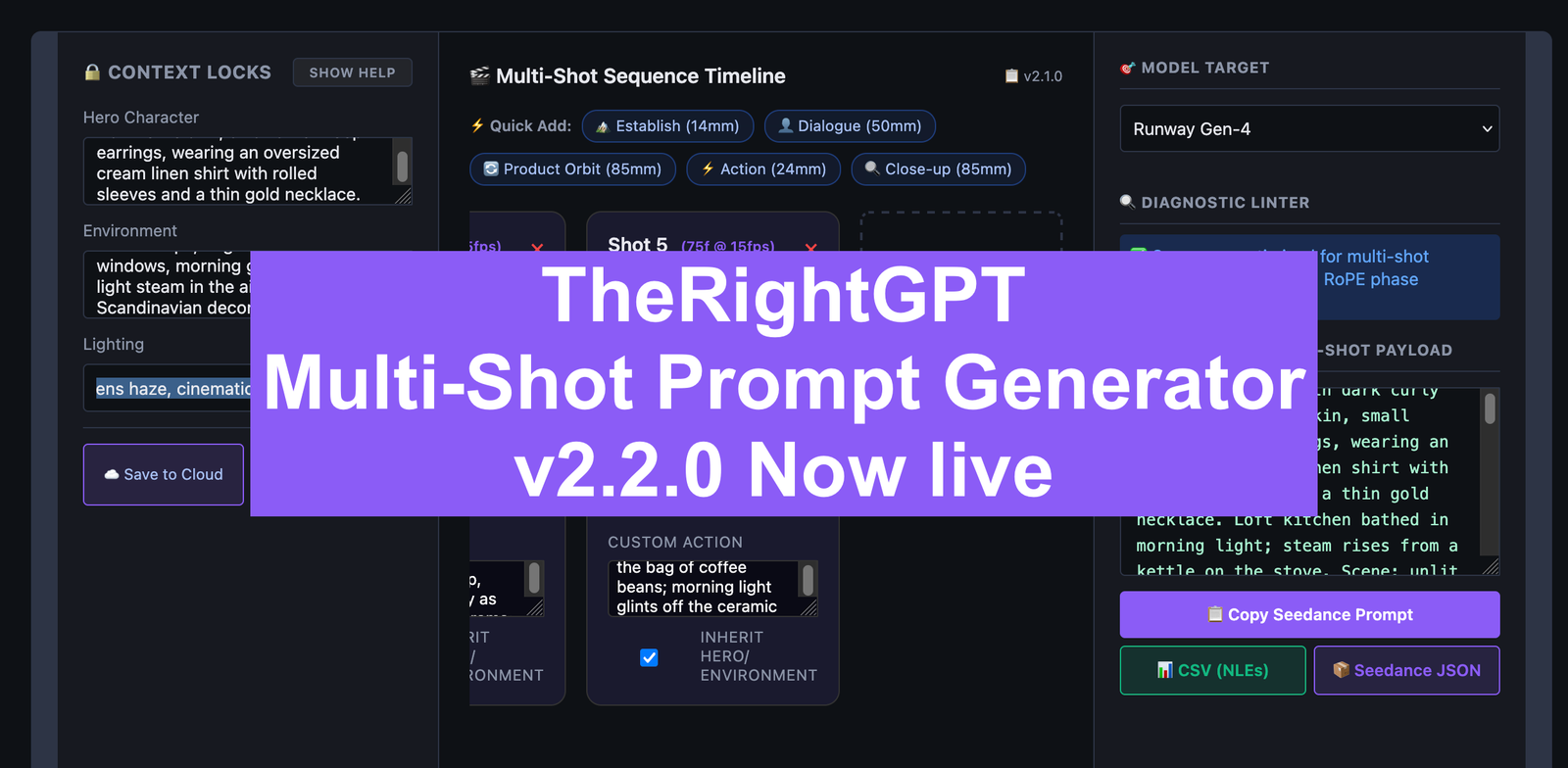
Contextual Hero Locks, Dynamic Frame Math, and Seedance 2.0 Exports
We just pushed v2.2.0 of the AI Video Sequence Builder to production. With this update, we are officially dropping the “Beta” tag. The tool is now a 100% free, production-ready timeline builder engineered specifically for AI directors using Sora 2, Runway Gen-4, Kling 3, and Veo 3.1.
This update completely overhauls our backend translation engine, focusing on the single hardest problem in AI video generation: multi-shot consistency.
Here is a technical breakdown of what we changed, how the new compiler structures your prompts, and why this specific syntax prevents diffusion models from hallucinating.
1. The Contextual Hero Lock (Fixing Character & Scene Drift)
Previously, the backend was passing generic placeholders (like "Subject 1 executes...") to the final prompt. We’ve rewritten the engine to fully inject your exact Hero Character, Environment, and Lighting descriptions into every single shot in the sequence.
- Why this works: AI video models do not possess innate “memory” across independent prompt submissions. By brute-forcing a high Token Density (repeating the exact 32-year-old character description, the exposed brick loft, and the golden hour lighting for every clip), we actively ground the diffusion model’s attention layers, forcing it to preserve visual identity across the timeline.
2. Match-Cut Continuity Anchors
To further enforce temporal coherence, the compiler now automatically injects a semantic trigger starting at Shot 2.
- The Syntax:
Maintain global environment and character feature alignment.(orMatch-cut continuity anchor: Identity matchfor Runway). - Why this works: Rather than just hoping the AI remembers the subject, this explicit anchor acts as a directive to the model to attempt a seamless transition from the previous temporal frame batch, minimizing random outfit swaps or morphing environments.
3. Engine-Specific Frame Tracking (15fps vs 24fps)
Not all AI generators calculate time the same way. We upgraded the timeline UI and backend engine to apply model-specific frame-to-second math:
- Runway Gen-4, Sora 2, and Veo 3.1 now explicitly track at a cinematic 24 frames per second.
- Kling 3 remains locked to its native 15 frames per second.
- Why this works: When you define a 5-second duration, the engine calculates the exact frame count (e.g.,
120ffor Sora,75ffor Kling). Delivering precise frame parameters stops physics engines from awkwardly stretching or speeding up your custom actions to fill dead time.
4. Cinematic Syntax Separation
If you mix background details with foreground actions in a prompt, the AI will often bleed the attributes together. We partitioned the generated syntax to prevent this.
- The Syntax:
[Camera Move, Lens]. [Subject]. [Action]. [Scene Context]. [Lighting]. - Why this works: By separating the camera instructions (
Lateral pan on 35mm lens) from the action (Maya reaches for a ceramic mug) and the scene context, we prevent the model from confusing the background environment with the focal subject.
5. Seedance 2.0 JSON Export
For pro-creators using programmatic pipelines, you can now export your entire timeline via the Seedance 2.0 JSON schema.
- Why this works: This downloads your sequence locally with the exact strict block order required by advanced nodes (
CAMERA -> SUBJECT -> ACTION -> ENVIRONMENT -> LIGHTING). It natively targets your selected engine and dynamically embeds your 24fps/15fps frame calculations directly into the JSON metadata.
Ready to direct your next sequence? The v2.2.0 builder is live right now. Head over to the AI Video Sequence Builder to start chaining your shots with cinematic precision.